Home / Controls
Keyboard, pad, touch
Pokemon Battle Advanced controls
Published by: pokemonbattleadvanced.com editorial desk
Last verified 23 October 2026. In-game title screen: v0.1.0-demo. File names still say 0.2.0-demo. See updates.
What the controls screen says
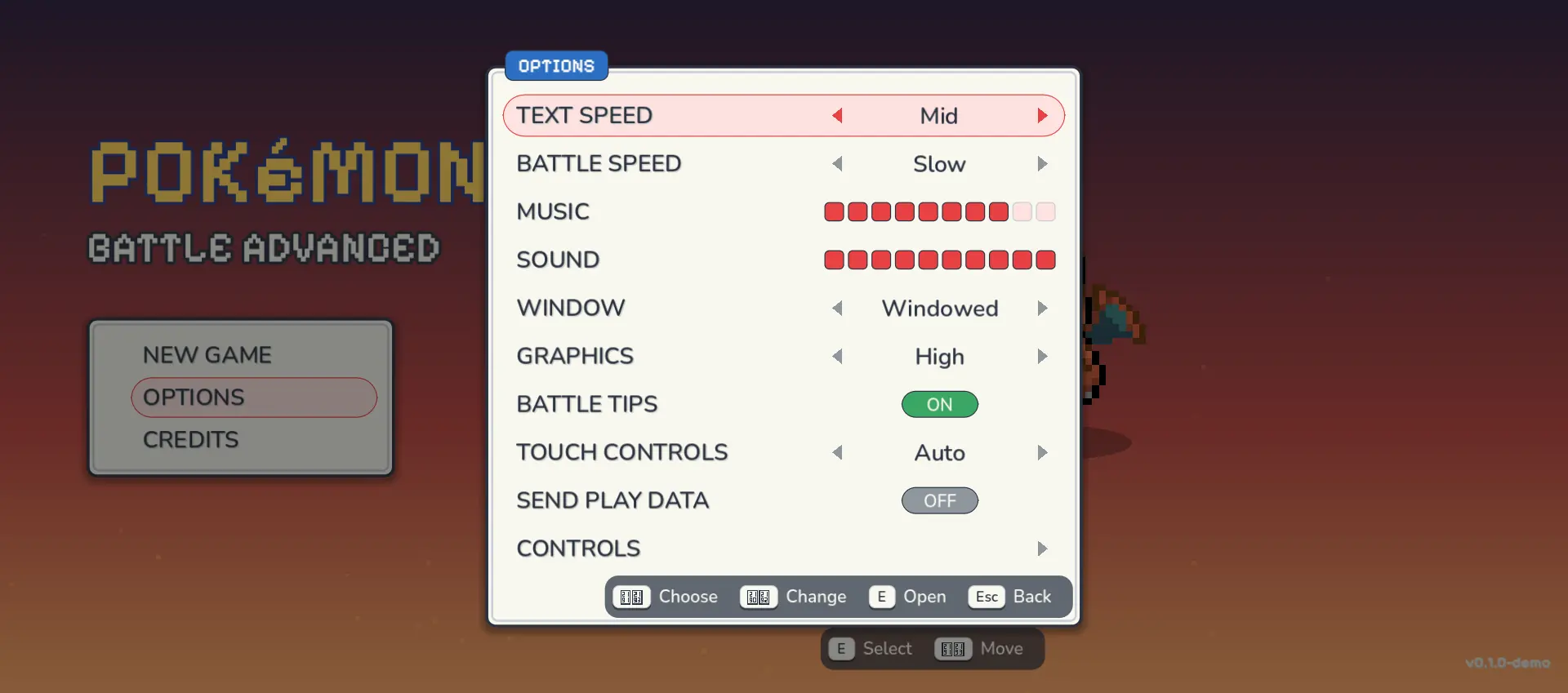
I opened Options, then Controls, in the public browser build on 23 October 2026. Overworld movement is the arrow keys, not WASD. WASD is only the battle diamond. Holding Z opens quick items, then a move key uses the item. R switches which fighter you control. The party-ring icon on that screen was too small to read, so I am leaving that key as unconfirmed.
| Action | Key |
|---|---|
| Move | Arrow keys |
| Run | Shift |
| Interact or confirm | E |
| Send out or recall | 1–6 |
| Stop an evolution or open the menu | Esc |
| Menu navigation | Arrow keys |
| Action | Key | Note on the page |
|---|---|---|
| Move | Arrow keys | — |
| Sprint | Shift (hold) | — |
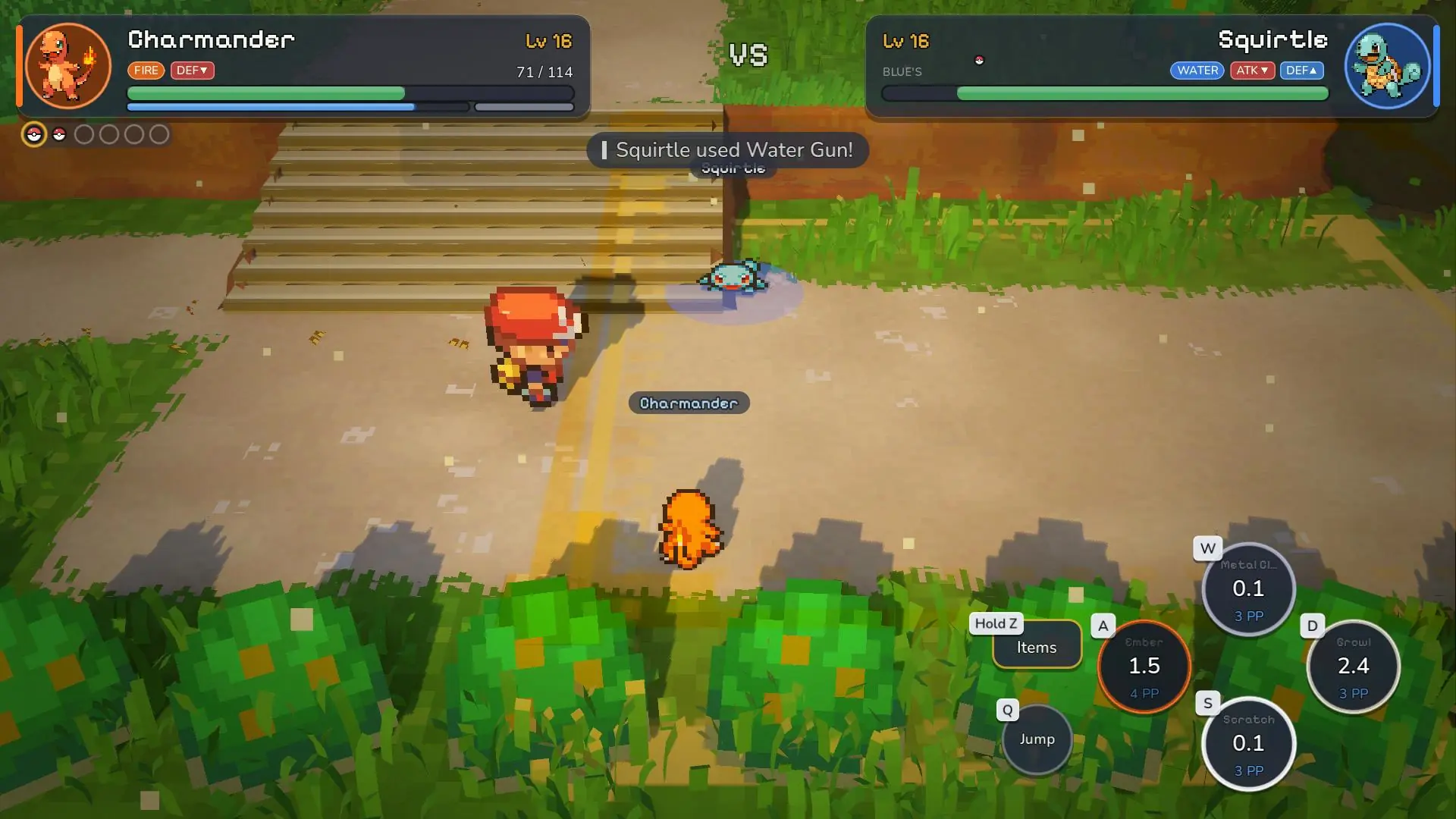
| Jump, fly, or dive | Q | Hop over ground moves |
| Four moves | W A S D | Hold Z for quick items |
| Switch Pokémon | 1–6 | Hold to call the second fighter |
| Control the other fighter | R | LT does this on a pad |
| Pause | Esc | Ally mode, switch control, or run |
Gamepad, touch, and platforms that do not exist
The itch page lists keyboard, Xbox controller, joystick, and touchscreen. It does not promise a PlayStation button layout. Left stick moves. A B X Y are the four moves. RT sprints, RB jumps, hold LB for quick items, LT swaps which fighter you steer, Start pauses, and D-pad down opens the party ring. A and B confirm or back out of menus.
Touch controls live under Options and default to Auto in the build I opened. Turning them on shows an on-screen stick and buttons. A player said turning them off in the browser left them stuck. The developer’s reply was to clear site data, and that a later browser build would force the controls on and remove the toggle. Clearing site data deletes the save.
There is no Nintendo Switch build and no native iOS app. iPhone Safari can open the browser demo, but players report the save dying on refresh.
- Safari looks wrong or black: use Chrome or Firefox. The developer cites WebGL 2.0 issues and does not publish a toggle path.
- No sound: click the page once.
- Dialogue freezes: Instant text speed has been reported to lock the starter confirmation. Fast is the bypass players used.
- A hitch in the first area: shaders compile. The itch page lists this as known.
Continue with your game
Sources and official links
Sources rechecked on 23 October 2026. Developer descriptions, player reports and our observations are identified separately in the text.